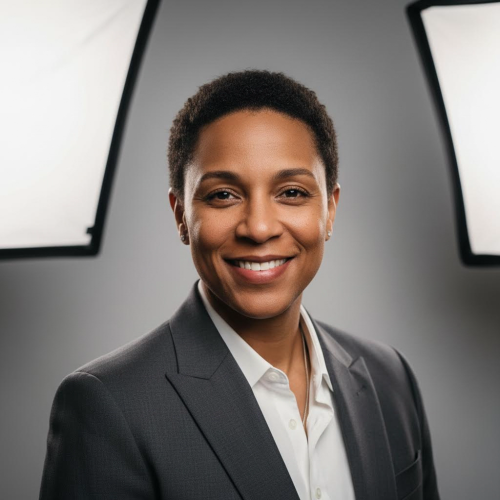
Clean, modern, believable.
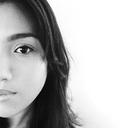
Realistic Headshots
Generate professional-looking portraits with natural lighting and detailed facial features—ideal for profile photos and personal branding.
This AI portrait generator lets you create professional profile photos and artistic portraits from text prompts.
Unlike basic AI portrait tools, you control the model, aspect ratio, and resolution — so your portraits are actually usable.
Have a selfie? generate from photo for higher likeness. Prefer stylized outputs? Try our anime portrait generator or our cartoon avatar generator.
A quick guide to pick a style that fits your platform and goal.
| Use case | Recommended style |
|---|---|
| LinkedIn / Resume | Realistic Headshot |
| Social Avatar | Cartoon / Anime |
| Branding / Poster | Oil Painting |
| Gaming / Streaming | Cyberpunk |
From clean profile photos to bold art styles, the AI Portrait Generator helps you create portraits that match your purpose—social avatars, branding headshots, gift art, and more.
Clean, modern, believable.
Generate professional-looking portraits with natural lighting and detailed facial features—ideal for profile photos and personal branding.
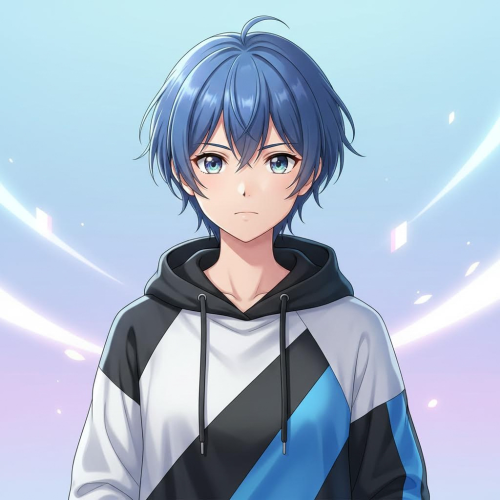
Stylized, vibrant, memorable.
Create anime-style portraits with expressive eyes, smooth shading, and crisp linework—perfect for avatars and creator identities.
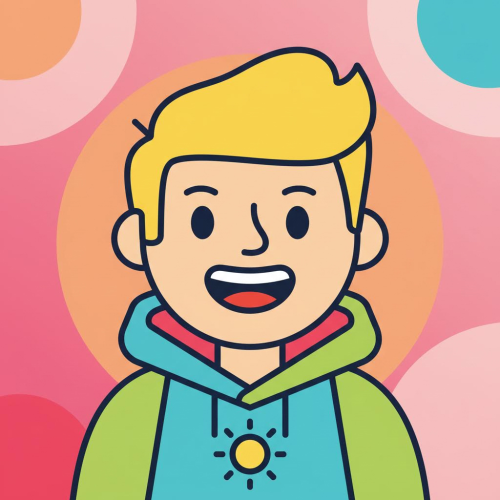
Simple, readable, fun.
Turn your idea into a friendly cartoon portrait that reads well at small sizes—great for social icons, teams, and community profiles.
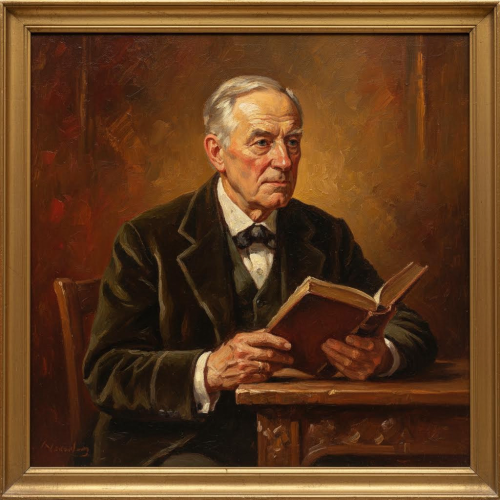
Classic, rich, premium feel.
Generate gallery-like painted portraits with texture and depth—ideal for gifts, posters, and artistic profile themes.
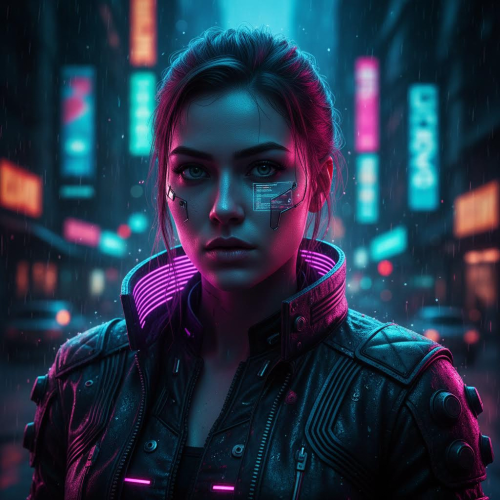
Neon, dramatic, cinematic.
Create futuristic portraits with neon lighting, cinematic contrast, and sci‑fi mood—great for gaming profiles and edgy branding.
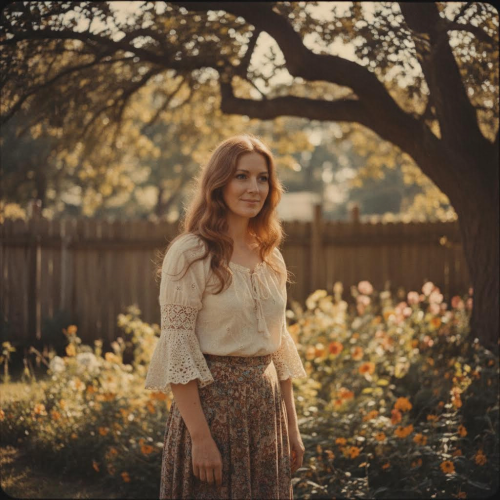
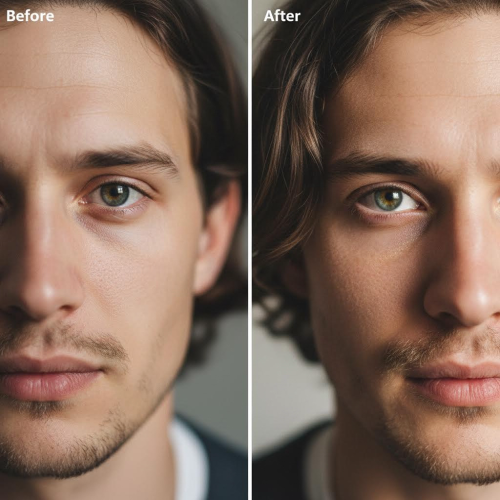
Timeless, nostalgic, distinctive.
Make portraits with nostalgic film tones, subtle grain, and retro color grading—perfect for unique aesthetics and storytelling.
A fast, tool-first workflow: write a prompt, choose settings, generate, download.
Describe the subject plus style cues like mood, lighting, and background (for example: “studio headshot, soft light, neutral background, natural skin texture”). If you specifically want anime, try our <a href="/anime-image-generator-from-prompt" class="text-blue-700 underline font-semibold">anime portrait generator</a> for a more style-focused workflow.
Pick the AI model that matches your quality/speed needs, then set aspect ratio and resolution for the platform you’re posting on.
Generate one or more portraits, then download the best result for LinkedIn headshots, YouTube avatars, Twitter profiles, and website branding. If you need higher likeness from a selfie, <a href="/generate-ai-portrait-from-photo" class="text-blue-700 underline font-semibold">generate AI portrait from photo</a> instead.
Imagens.app helps you create portraits from text with control where it matters: model choice, aspect ratio, and resolution. Whether you need a realistic headshot, a stylized avatar, or an artistic portrait for branding, the AI Portrait Generator keeps the workflow fast and predictable. If you already have a selfie and want higher likeness, use our dedicated tool to generate from photo.
Select the model that fits your needs—speed for quick iterations or detail for premium portraits.
Generate portraits sized for avatars, thumbnails, and banners without awkward cropping.
Choose sharper outputs when detail matters (hair, eyes, lighting) and smaller outputs for faster drafts.
Your prompt and results are used for generation—keep control of what you upload and download.
Use generated portraits for profiles, marketing, and content creation, depending on your plan and rights.
Built for creators who care about control, quality, and predictable results.
Unlike basic AI portrait tools, you control the model, aspect ratio, and resolution — so your portraits are actually usable. Choose a faster, lower-cost model when you are exploring prompts, then switch to a higher-quality model when you are ready to export. Set the aspect ratio to match where the portrait will live (LinkedIn profile, YouTube avatar, website hero, or a social thumbnail), and pick a resolution that keeps facial details sharp after cropping. This reduces wasted generations, lowers the risk of burning credits on bad drafts, and makes your final portraits look intentional across platforms.
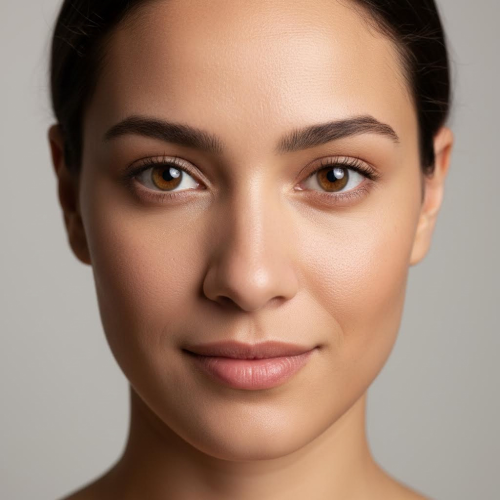
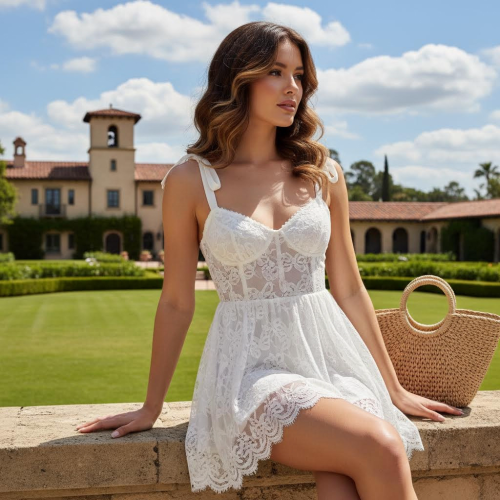
Portraits only feel “premium” when details hold up: skin texture that looks natural, hair that is not muddy, facial features that stay coherent, and lighting that supports the mood. Our workflow is designed to help you iterate quickly with drafts, then switch to higher quality settings when you are ready to export. That means you can create a realistic headshot for LinkedIn, a stylized avatar for social media, or an artistic portrait for a poster—without rebuilding your prompt from scratch each time.
Fast generation for creators and teams.
Answers to common questions about generating portraits with AI.
Still have questions? Contact us at resend0@foxmail.com
What creators are saying about our AI Portrait Generator.
"I wrote one prompt, picked a model and ratio, and got a portrait that actually looks profile-ready. Super fast to iterate."

"The style options are on point. I use realistic for LinkedIn and a vintage look for brand storytelling posts."

"Aspect ratio + resolution control is the difference. My thumbnails stopped looking cropped and low-quality."

"Surprisingly good lighting and face detail when you choose a higher quality model. Great for concept portraits."

"Anime and cyberpunk styles look clean even at small avatar sizes. The outputs feel consistent and usable."
"I appreciate the credit transparency. Draft cheap, then upscale the best prompt—saves budget and time."

"We generated a set of portraits for campaign personas. The variety is huge without losing quality."

"Used it for a clean headshot style when I didn’t want another photo shoot. Looks professional enough."

"I wrote one prompt, picked a model and ratio, and got a portrait that actually looks profile-ready. Super fast to iterate."
"The style options are on point. I use realistic for LinkedIn and a vintage look for brand storytelling posts."
"Aspect ratio + resolution control is the difference. My thumbnails stopped looking cropped and low-quality."
"Surprisingly good lighting and face detail when you choose a higher quality model. Great for concept portraits."
"Anime and cyberpunk styles look clean even at small avatar sizes. The outputs feel consistent and usable."
"I appreciate the credit transparency. Draft cheap, then upscale the best prompt—saves budget and time."
"We generated a set of portraits for campaign personas. The variety is huge without losing quality."
"Used it for a clean headshot style when I didn’t want another photo shoot. Looks professional enough."
"Team loved the cartoon avatars. Easy way to make internal profiles feel more human without being silly."
"Vintage portraits are my favorite. The film tone and subtle grain are exactly the vibe I needed."

"The prompts tips helped a lot. Once I described lighting and composition, the portraits got way better."
"Works well for quick avatar updates. I can generate multiple looks and pick the best in minutes."

"Oil painting style looks premium. We used it for a limited poster concept and it sold the idea instantly."

"Higher resolution makes a real difference on hair and eyes. Worth it when you’re exporting finals."

"I generated consistent avatars for moderators in different styles. The set looks cohesive across platforms."
"Team loved the cartoon avatars. Easy way to make internal profiles feel more human without being silly."
"Vintage portraits are my favorite. The film tone and subtle grain are exactly the vibe I needed."
"The prompts tips helped a lot. Once I described lighting and composition, the portraits got way better."
"Works well for quick avatar updates. I can generate multiple looks and pick the best in minutes."
"Oil painting style looks premium. We used it for a limited poster concept and it sold the idea instantly."
"Higher resolution makes a real difference on hair and eyes. Worth it when you’re exporting finals."
"I generated consistent avatars for moderators in different styles. The set looks cohesive across platforms."
Join creators using our AI Portrait Generator for headshots, avatars, and artistic styles—fast, flexible, and controllable.
No design skills needed · Model, ratio & resolution control