Vintage Photo Generator AI – Create Retro Film Photos from Text
Type a prompt, choose an AI model, pick aspect ratio and resolution, then generate believable vintage photos with grain, fade, light leaks, and classic tones.
Why Choose Imagens.app for Vintage Photo Generation?
If you want vintage photos that feel believable, you need more than a filter. Imagens.app combines strong models with practical controls so you can direct the era, camera feel, and output size from the start, then iterate quickly until it looks like a real retro shot.
Film-grain realism.
Authentic Film Look
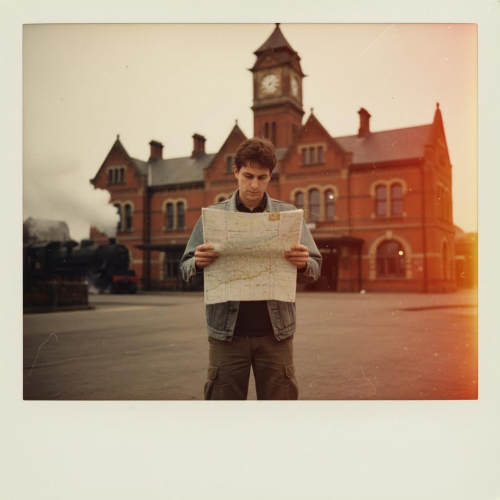
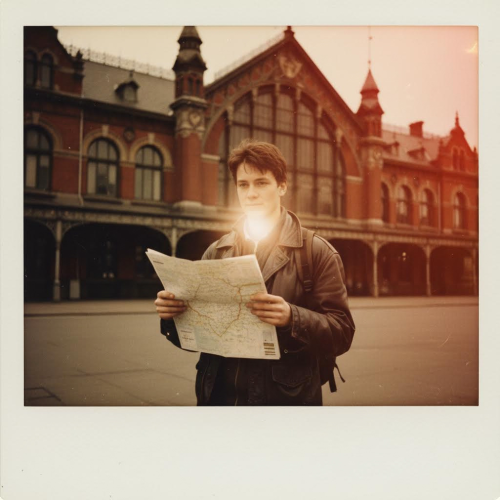
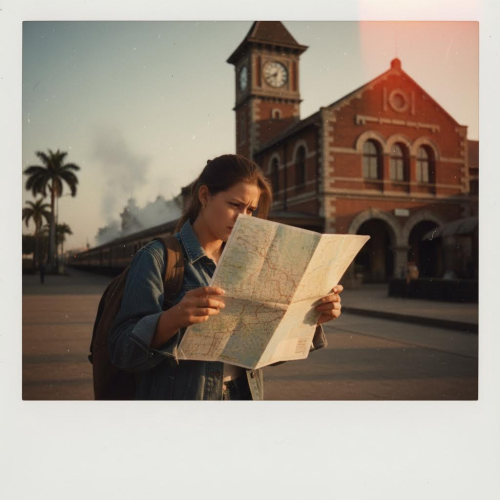
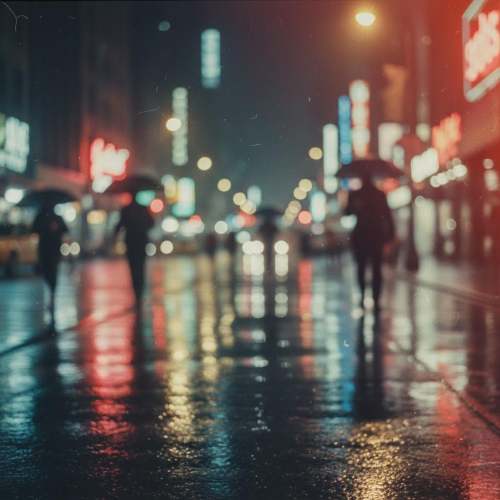
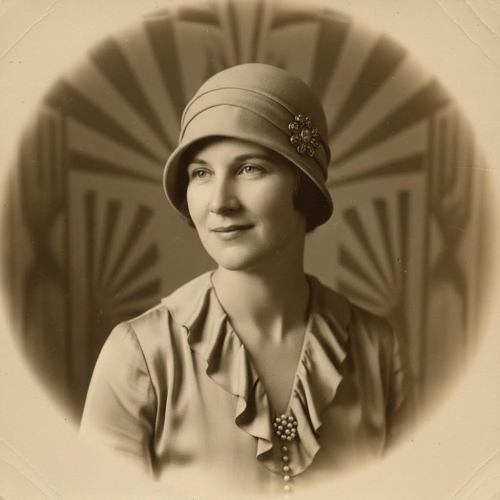
Generate retro photos with the details that sell the illusion: subtle grain, gentle halation, faded color curves, light leaks, and the slightly imperfect sharpness you expect from real film scans. You control the vibe with your prompt, from warm sepia portraits to 90s disposable camera snapshots, without needing Photoshop actions or LUT packs.
Format-first workflow.
Model · Aspect Ratio · Resolution Control
Pick the AI model that matches your budget and quality goals, then select the aspect ratio and resolution you actually need for the output. Use 3:4 for portrait-style prints, 9:16 for stories, or 16:9 for headers and banners. This avoids awkward cropping and helps you manage cost, because credit usage depends on the model and generation settings.
Pay per generation.
Credit-Based Pricing That Makes Sense
Vintage experiments should not feel risky. Try a lower-cost model for composition and mood, then switch to a stronger model (for example, nano-banana-pro class models) when you are ready to lock detail, texture, and realism. You only spend credits when you generate, and different models deduct different amounts, so you stay in control of what you pay.
How to Generate a Vintage Photo from Text
Three simple steps to turn a prompt into a retro film-style photo you can actually use.
1
Write a Clear Prompt
Describe the subject, location, and era. Add film cues like “35mm”, “Polaroid”, “sepia”, “film grain”, “dust”, “light leak”, and a mood like “golden hour” or “moody indoor lamp”.
2
Pick Your Settings
Choose the AI model, then set aspect ratio and resolution to match your use case. Draft small and cheap to explore, then upgrade resolution for the final image.
3
Generate and Iterate
Click Generate to create one or multiple variations. Refine one detail at a time (era, lens, lighting, color fade) until it looks like a real vintage photo scan.
Vintage Photo Generator AI is a text-to-image workflow designed to recreate the feel of real film photography: imperfect grain, gentle softness, warm tonal curves, and nostalgic color fades. Instead of forcing a generic filter onto a modern photo, you describe the moment you want and generate it from scratch. On Imagens.app you also get the practical controls that make outputs usable: choose your AI model, set aspect ratio, and pick a resolution that fits social posts, ads, or print-like compositions. Pricing is credit-based and varies by model, so you can explore ideas affordably and upgrade quality when you are ready.
True Vintage Aesthetics
Create film-like photos with grain, dust, slight fade, and era-appropriate color.
Control the Output
Model, aspect ratio, and resolution settings help you avoid rework and cropping.
Fast Iteration
Generate variations quickly and refine a single detail at a time.
Credit-Based Pricing
Different models deduct different credits so you can match cost to quality.
Made for Creators
Great for posters, social content, storyboards, and nostalgic brand visuals.
Key Features of Vintage Photo Generator AI
Everything you need to create believable retro film photos from a prompt.
Vintage Look That Holds Up When You Zoom In
A convincing vintage image is all about the small signals: controlled grain instead of noisy artifacts, gentle highlight roll-off, slightly muted saturation, and the kind of soft sharpness you get from older lenses. With Vintage Photo Generator AI, you can request those details directly in your prompt and get images that still feel photographic at larger sizes. Add era cues like “1970s family snapshot”, “90s disposable camera”, or “1940s sepia portrait”, then refine with film terms like “Kodak Portra”, “Fuji Superia”, “light leak”, “dust and scratches”, and “scanned print”. Because you can pick the model and resolution, you can prototype quickly and then switch to higher quality for a final image that feels worth paying for.
Built-In Controls for Cost, Composition, and Format
Vintage style is not one-size-fits-all. A square Polaroid-style shot needs different framing than a wide cinematic scene, and the resolution you choose affects both detail and credits. Imagens.app lets you choose an AI model, aspect ratio, and resolution before you generate, so you get the right composition on the first try. Draft with a lower-cost model to explore prompts and lighting, then increase resolution or upgrade the model when you are satisfied with the concept. This workflow reduces wasted generations, keeps costs predictable, and makes the output immediately usable for social posts, banners, thumbnails, or print-like layouts without extra cropping steps.
Performance You Can Feel
Fast iteration with predictable, controllable output.
~ 20–60sGeneration Time
1:1 · 3:4 · 4:3 · 16:9 · 9:16Aspect Ratios
50k+Creators
Frequently Asked Questions
Everything you need to know before you spend credits on vintage generations.
What is a Vintage Photo Generator AI?
A Vintage Photo Generator AI is a text-to-image tool that creates brand new images with a retro film aesthetic, instead of applying a simple filter to an existing photo. You describe the scene, the era, and the camera vibe, and the model generates an image that can look like a scanned print or a film negative. On Imagens.app you also choose the model, aspect ratio, and resolution before generating, which makes the output more useful for real projects. Credit costs vary by model, so you can explore styles cheaply and upgrade quality when you have a prompt you like.
How do I make the result look like real film, not a filter?
Start with a clear subject and setting, then add film signals that imply a physical camera process: “35mm”, “film scan”, “grain”, “dust and scratches”, “light leak”, “slight fade”, and “soft focus”. Include lighting like “golden hour”, “overcast daylight”, or “indoor tungsten lamp”, and optionally specify a lens feel such as “50mm shallow depth of field”. If you see modern artifacts (too sharp, overly clean, plastic skin), reduce words like “ultra sharp” and add “natural skin texture” and “gentle contrast”. Iterating one detail at a time saves credits.
Which vintage styles can I generate?
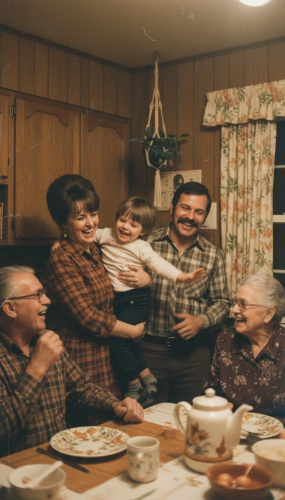
You can generate many vintage directions as long as your prompt is specific: 1930s sepia portraits, 1970s warm family snapshots, 1980s summer film, 1990s disposable camera party photos, Polaroid-style instant prints, or cinematic vintage travel photography. Add details like wardrobe, props, and environment to anchor the era. For example: “1978 suburban kitchen, warm tungsten, slight motion blur, scanned print” will feel different from “1996 night flash, disposable camera, red-eye, grainy film”. Using the right aspect ratio also supports the look, like square for instant film.
How do model choice and pricing work?
Imagens.app uses credit-based pricing. Different AI models deduct different amounts of credits per generation, and higher resolutions can increase cost. This is helpful because you can match spending to the stage of your workflow: use a lower-cost model and a moderate resolution to test composition and mood, then switch to a stronger model (including nano-banana-pro class models) and higher resolution for your final deliverable. If you plan to generate multiple variations, start with the cheaper setup, keep what works, and only upgrade the winners. This approach keeps vintage exploration affordable.
What is the best aspect ratio for vintage photos?
It depends on where you will use the image and the historical vibe you want. Square ratios work well for Polaroid-like instant prints, album covers, and social thumbnails. 3:4 or 4:3 feels closer to classic photo framing and portrait prints. 9:16 is best for stories and vertical mobile posts, while 16:9 works for cinematic scenes, website headers, and wide layouts. Choosing the ratio before generation is important because it changes composition. It is much easier and cheaper to generate in the right frame than to crop later and lose key details.
How do I control resolution and avoid blurry details?
Resolution is a practical tradeoff between speed, cost, and detail. If you are still searching for the right scene, start with a lower resolution to iterate quickly. Once the concept is correct, increase resolution and regenerate with the same prompt to get cleaner textures, better faces, and more believable film grain patterns. If the image becomes too sharp and loses the vintage softness, add “subtle softness” or “slightly out-of-focus edges” rather than reducing resolution. You can also specify “no text, no watermark” to avoid unwanted overlays in higher-detail outputs.
Can I generate multiple images in one prompt?
Yes, you can generate multiple variations of the same idea, which is useful for finding the perfect vintage moment. Treat it like a contact sheet: keep the core prompt stable (subject, era, location), then adjust one variable such as lighting, camera angle, or film stock across generations. This method helps you compare results and converge faster. When paying with credits, generating multiple images can be more cost-effective than trying to over-specify a single prompt that the model interprets unpredictably. Save the best variation, then upgrade the model or resolution for the final version.
Are the images suitable for commercial projects?
In general, generations created with paid credits are intended for creator workflows such as marketing visuals, posters, content thumbnails, and brand moodboards, but the exact usage rights depend on your plan and the site terms. From a practical standpoint, the best way to keep outputs professional is to avoid logos, celebrity names, and recognizable trademarks in your prompts. Describe original characters, original scenes, and general era references instead. If you want brand-safe results, request “no text, no logos” and keep the prompt focused on lighting, composition, and vintage camera cues.
How do I get a consistent person across multiple vintage photos?
For consistent identity, describe stable attributes that should not change: age range, hairstyle, clothing style, notable features, and camera framing. Keep those lines identical across generations and only change the scene or action. If you need a recurring character for a series, use the same prompt template every time and adjust a single line like “location” or “time of day”. Consistency is easiest when you also keep aspect ratio and resolution stable. Stronger models tend to preserve identity better, so consider upgrading the model when the character becomes important to your project.
What are the most common mistakes that waste credits?
The biggest waste is generating in the wrong format, then cropping away the subject. Choose aspect ratio first. Another common issue is using vague prompts like “make it vintage” without specifying era, lighting, or camera. Add at least one era cue, one lighting cue, and one film cue. Also avoid mixing too many styles in one prompt; “vintage, cyberpunk, watercolor, 8k, ultra sharp” conflicts and produces random results. Instead, keep the prompt coherent and adjust one variable at a time. Finally, do not start with the most expensive model while exploring ideas—draft cheaper, then upgrade.